
Print Preview Management
Print Management using Print Preview
CatalogVX gives you the ability to quickly print your catalogs or create PDF files directly from within the software.
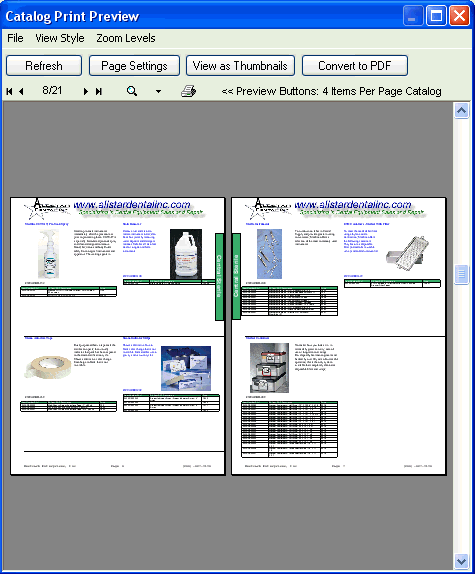
From the print preview screen you can add your company logo to the top of each page, view your catalog pages as Thumbnails, Print, and create a PDF file of all your pages.
To perform any of the above actions with your catalog, simply Left-Click on the appropriate buttons on the top of the dialog.
In thumbnail mode click on the page you wish to view in order to zoom into that page.
See Also: Single Page Printing.