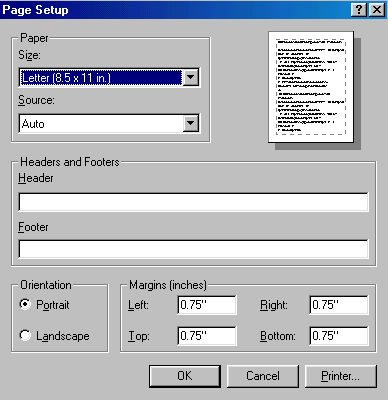
Page Headers and Footers
See also Custom Page Header for CD catalog
Print Preview and Page Setting.
Before the Personal Archive Creator prints and hard copy of any page, the user is required to preview the pages. This is to ensure that user has the opportunity to make any changes before printing an entire catalog. The Print Preview mechanism also gives you the ability to enter an additional header and footnotes for each page. The header and footer may contain additional information such as company name, phone, address and other information. When you use this option, the information added will appear on every printed page. This is the same option available when use the standard web browser on your computer.
To add a header or footer to your printed page do the following:
1) Select the print option.
2) Select your print format.
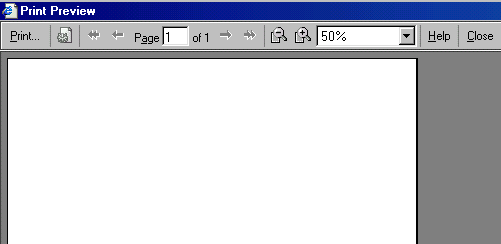
3) At the print preview screen select the tools options (see picture below). This will option
At the Page Setup dialog enter the text you wish to appear on each page. You may wish to leave the page number in the Footer field so that you can have page numbers on all pages.