
Custom Page Header
Add your customized page header for the catalog.
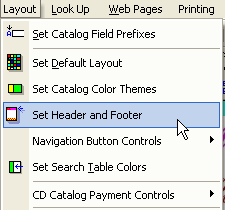
1. From the Layout menu select Set Header and Footer.
2. Within the Page Graphics Dialog, click browse to select the top and bottom page headers.
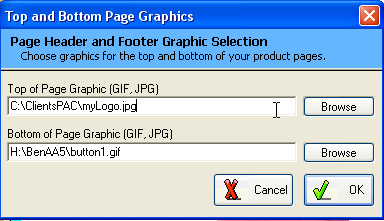
Note: Page headers and footer must be created with another graphic program.
Page headers should be wide and very short in height.
Page Header Size Recommendation: 650 pixels in width and 55 pixels in Height.