
Adding Subcategories
Adding a subcategory.
You must add subcategories to all Categories. To add a subcategory, you must be in the CatalogVX Category Editor dialog box for the category you want to edit. From the CatalogVX Category Editor, click the "Add Subcategory" button then enter the name of the subcategory (See Picture).
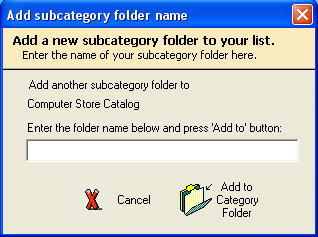
Finally, click the "Add to Category" button.
Note that custom subcategories are always entered in lower case.