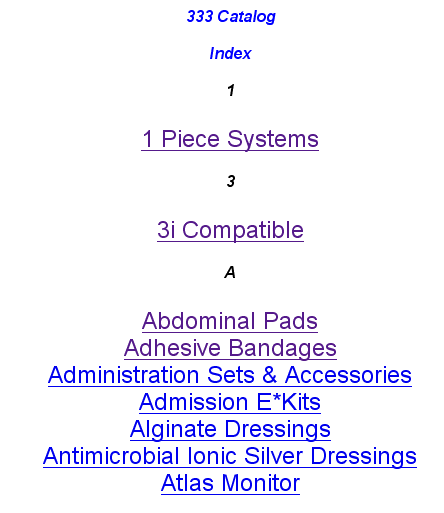
Changing the Index Font
To change the index font and site.
1. Select the change [ Layout | Set Search Table Colors ] menu.
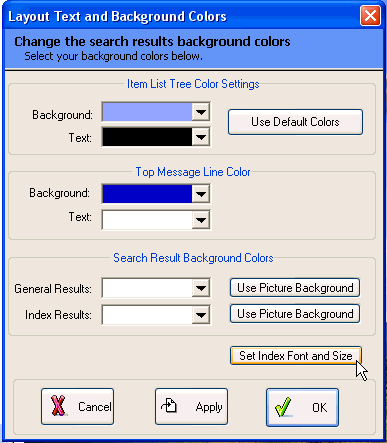
2. From the Layout Text and Background Colors, Select the Set Index Font and Size button to active the Font Selection.
With the font Selection, you will need to select the size for the index title and the Font Size for the index text. This gives you maximum control over the appears of the index. We recommend that you use Times New Roman with the default settings for the font setting
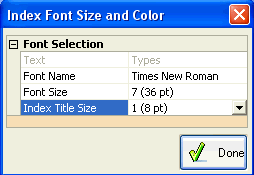
Here is an example of index font and size modifications using Arial font.