Creating Print Catalog
To access the Print and PDF catalog features.
1. Click the Printer Icon from the tools bar.
2. Select you print format by clicking on the appropriate buttons.
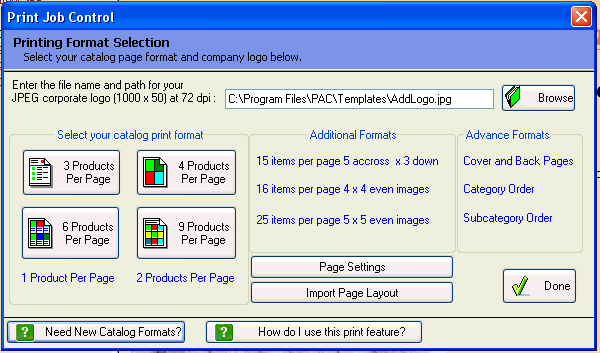
The system will display the Print Job Control dialog. In the Basic version of the software you have the ability to your catalog in six different types for formats: 1, 2, 3, 4, 6, and 9 items per page. The advance versions of the software provides additional print formats including user define formats. See next page for basic fix format examples.
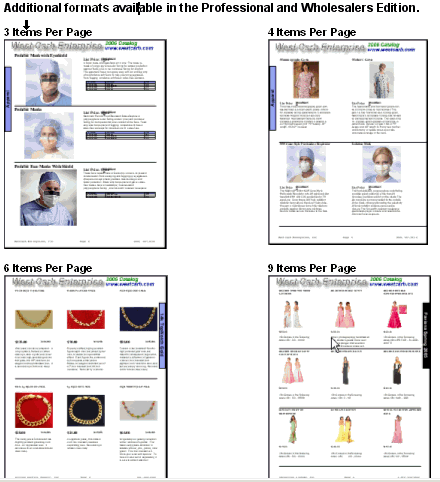
You can create catalogs in any of the formats below simply by clicking on the format of your choice within the Print Job Control dialog box.
Advance formats are available in the higer version of the software.