
Changing the default display style
To set the default display styles for entire the catalog, perform the following steps:
Time Saving Tip:
This will eliminate the need to set the display stlye all the time for each item.
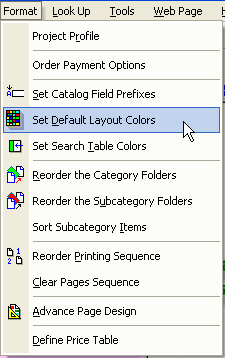
1) From the Format Menu select 'Set Default Layout Colors' sub menu.
2) From the Default dialog, press the red Next or Prev buttons to change the display style. The picture box will change positions within the dialog and around the text to indicate the new style.
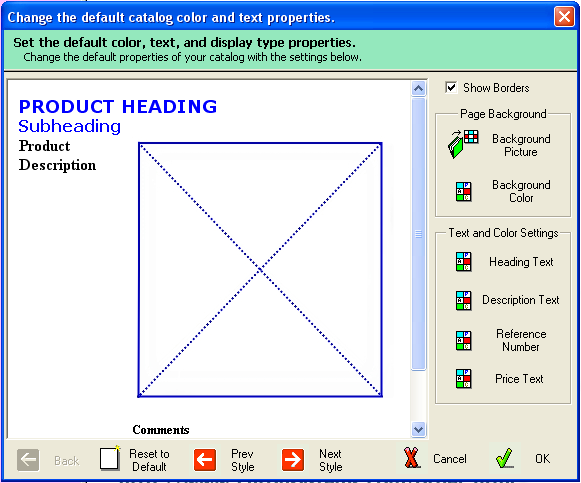
Once you have selected a new style, this format will be use for all new picture that are entered within the Item Tree.