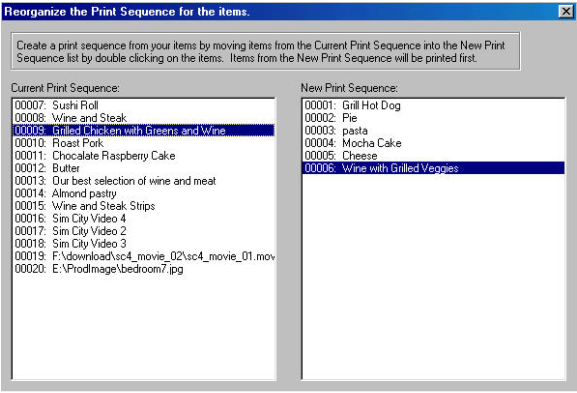
Printing Items in Sequence.
To access the Print Sequence Dialog, from the Format menu select Reorder Print Sequence.
This option give you the ability to printing items in sequence. To arrange your sequence, double click on items from the Current Print Sequence column onto the New Print Sequence column. All items will be renumbered to represent the new printing order. Items on the New Print Sequence column will be printed first followed by items on the Current Print Sequence column. This printing sequence can be change at anytime from the CatalogVX main program however the print sequence will be permanent on the Catalog CD until it is change again within software.
Your buyers will be able to print the catalog in different formats, but they will not be able to reorganize the print sequence of the items. Once the creator of the catalog has set the print sequence from the main program the same sequence will take effect on the catalog CD and can not be change by a buyer viewing the CD.