
Adding or changing an item's information
Depending on the type of catalog you are creating, you may need to add a description, price, reference number and other information to your product. To add text information, perform the following steps.
1) Highlight the item on the item list.
2) Press the Enter key.
3) Use the Product Information tab to enter detail information that will appear as part of the item's display.
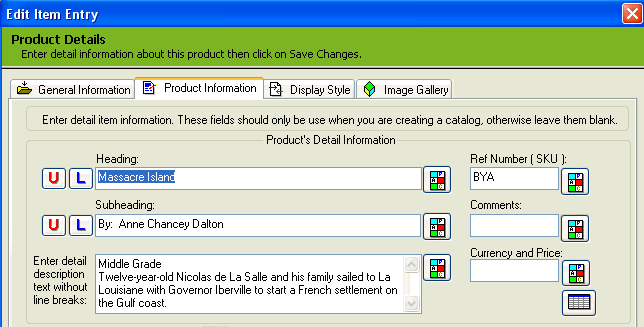
When using the Product Information tab you may enter text for any of the following fields: