Page Arrangement
To start the page arrangement feature, select the option from the menu bar.
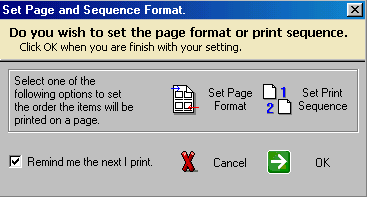
The Page Arrangement feature will allow you to move items to and from the Page and Item Holders.
To move the items between holders, you will need to select the item and click on of the move arrows at the bottom of the dialog. The item will then appear in one of the two holders.
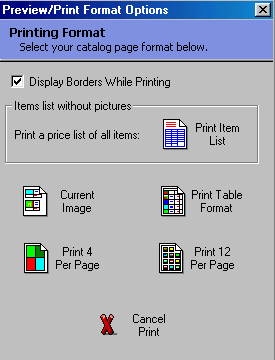
The Page Holder will represent 1 page of an 8 ½ by 11 piece of paper. The Item holder represents items that are currently not assigned to a page. You are able to move as many items into the Page Holder up to the maximum number of items that are allowed on a page. The maximum number of items allowed, is determined by the Page Format field [C]. The Page Format Field contains the same options found on the print format dialog.
For example: Setting a page format of 4 Per Page, will allow you to move a maximum of 4 items and blanks items into the Page Holder. Setting a Page Format of 12 Per Page, will allow up to 12 items on the page holder. The amount of items that will be printed is controlled by the Print Format (see picture below).
In order to use the Advance Page Arrangement effectively, the user must select the same Page and Print formats so that the arrangements on the Page Holder are in sync when printing.